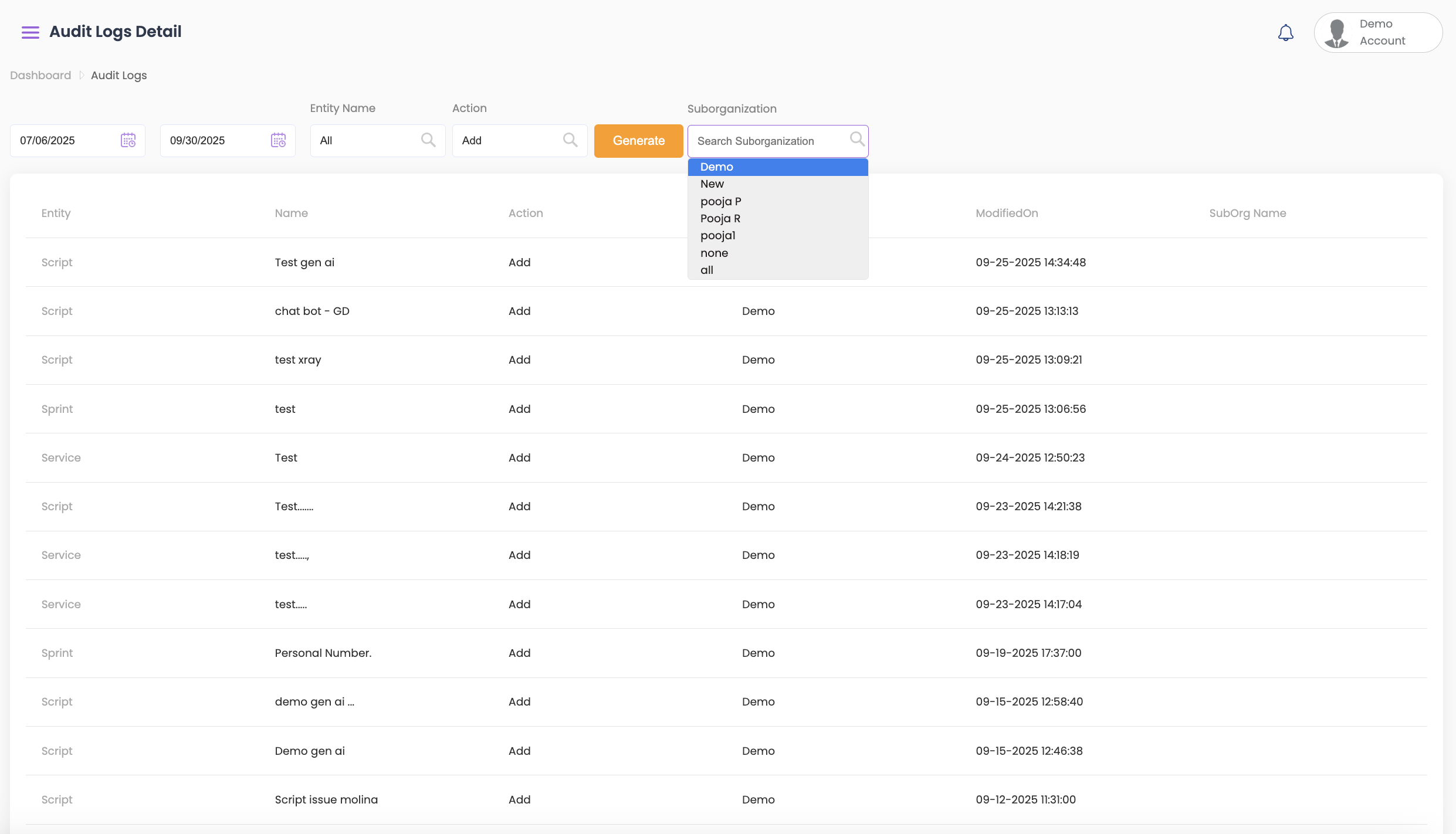
The Audit Logs Report presents a chronological history of all user actions and system modifications for traceability and compliance.
Viewing and Filtering Overall Results #
- Select the start and end dates from the top.
- Select the entity name. You can filter to only view the following details:
- All
- Folder Script
- Folder Sprint
- Script
- Service
- Sprint
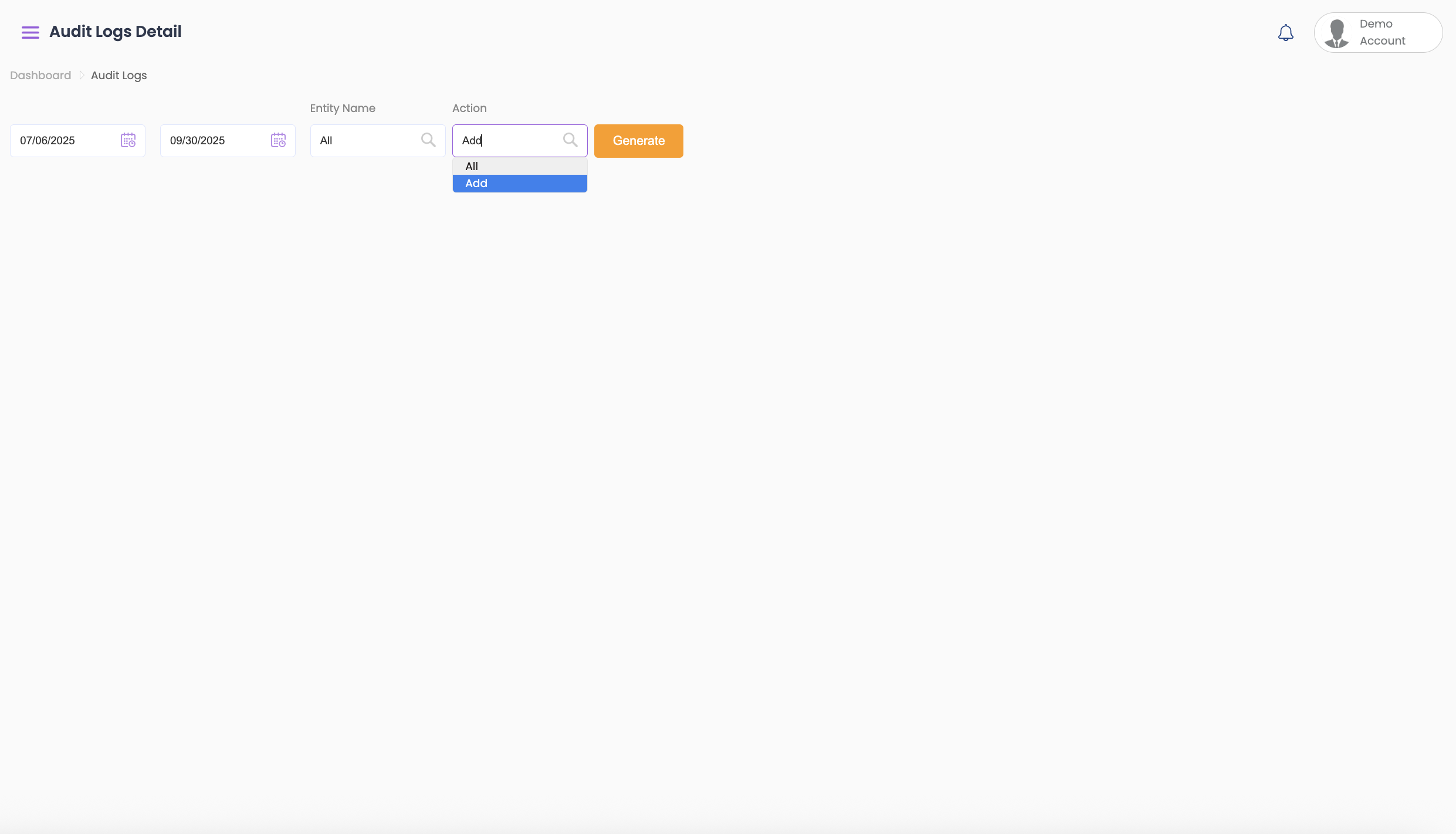
- You can also filter action to only view:
- All details
- Add
- Delete
- Delete future schedules
- Pause/Resume
- Update
- Click on Generate to view the results.
- Once the results have been generated, you can further filter according to Sub-Org.
- The following information is displayed in the results:
- Entity
- Name
- Action
- Modified by
- Modified on
- Sub-Org Name