
The Load Sprint Report captures results of load tests, showing metrics like success/failure counts and displays in visual graphs.
Viewing and Filtering Overall Results #
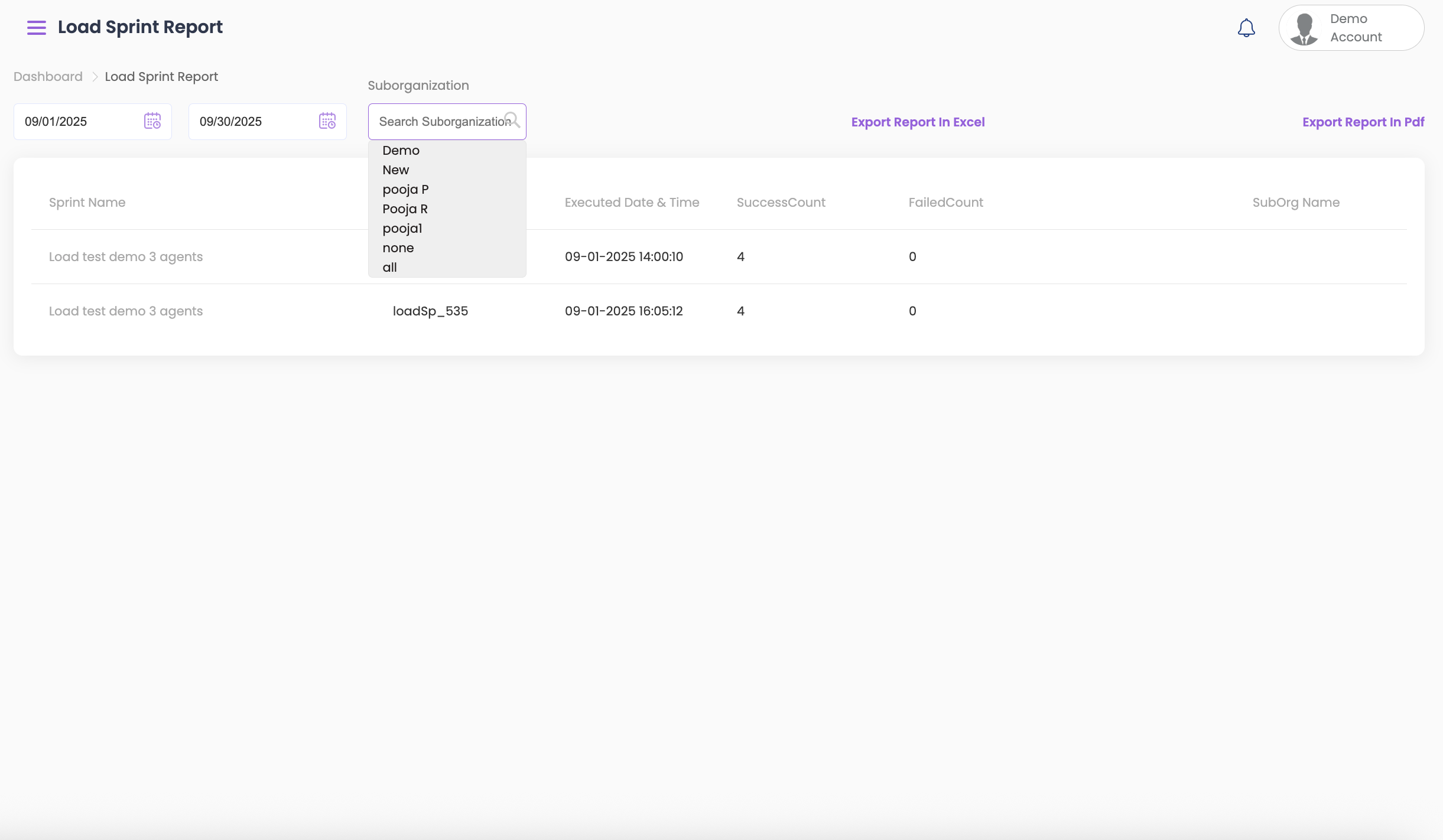
- Select the start and end dates from the top to view the testing results.
- To further filter by Sub-Org, select the required option from the dropdown.
- The following information is displayed once you select the relevant details:
- Sprint Name
- Load ClientID
- Execution Date and Time
- Success Count
- Failed Count
- Sub-org name, if it is part of any
Viewing Individual Load Sprint Results #
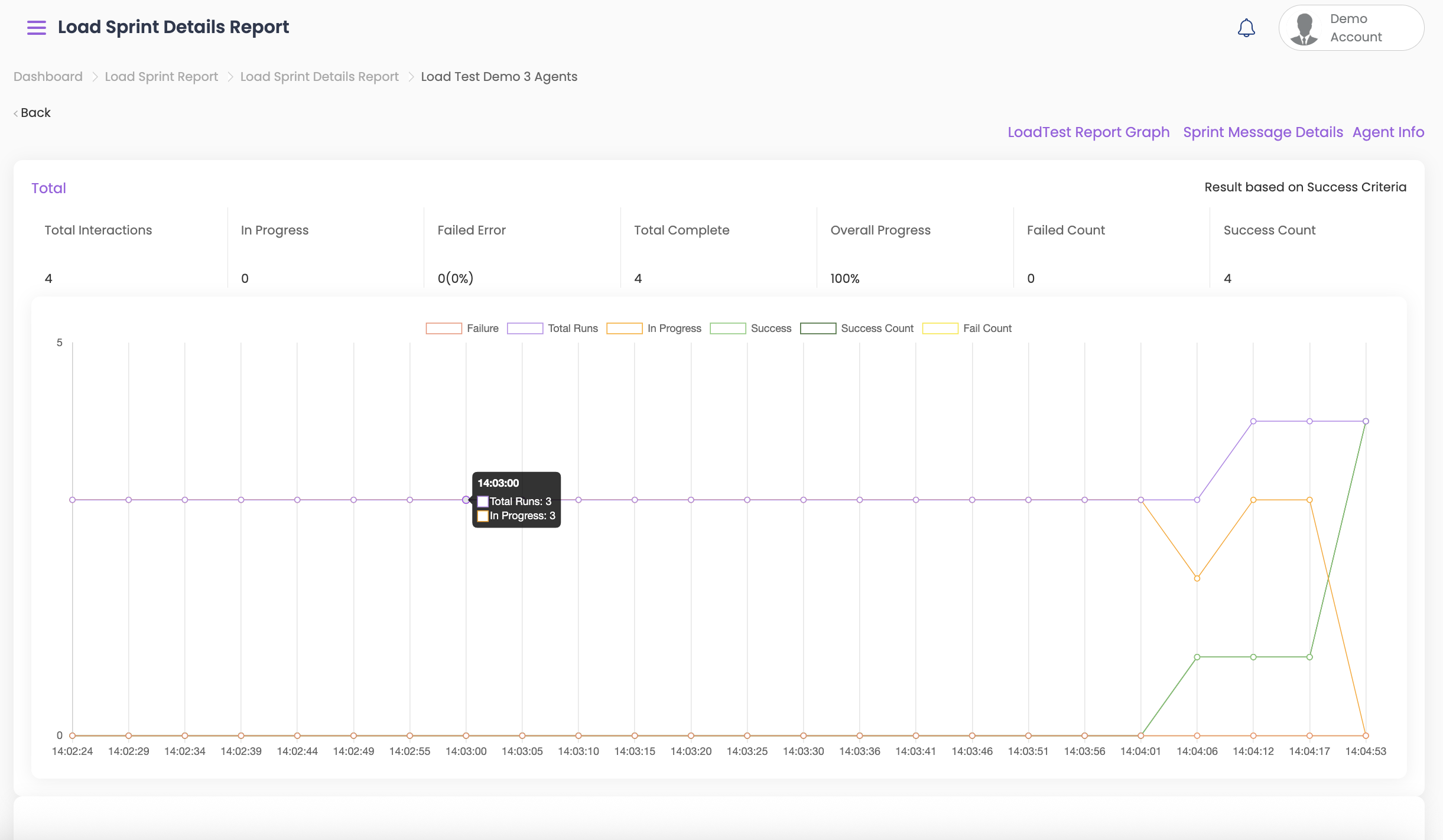
- To view the test history of any test result, click on Sprint Name. A detailed report of the sprint will be displayed including:
- The total interactions
- In progress (If any calls are when you are viewing the reports)
- Failed Error
- Total Complete
- Overall Progress
- Failed Count
- Success Count
- Click on Failure/ Total Runs/In Progress/ Success/ Success Count/ Fail Count to omit seeing the results in the graph.
- To view further details of your report, click on the following:
- Load Test Report Graph
- Sprint Message Details
- Agent Info
Download Options #
The Load Sprint report can be exported as PDF or Excel for offline review.



