Editing, Deleting, or Cloning a Service #
- Click on Service
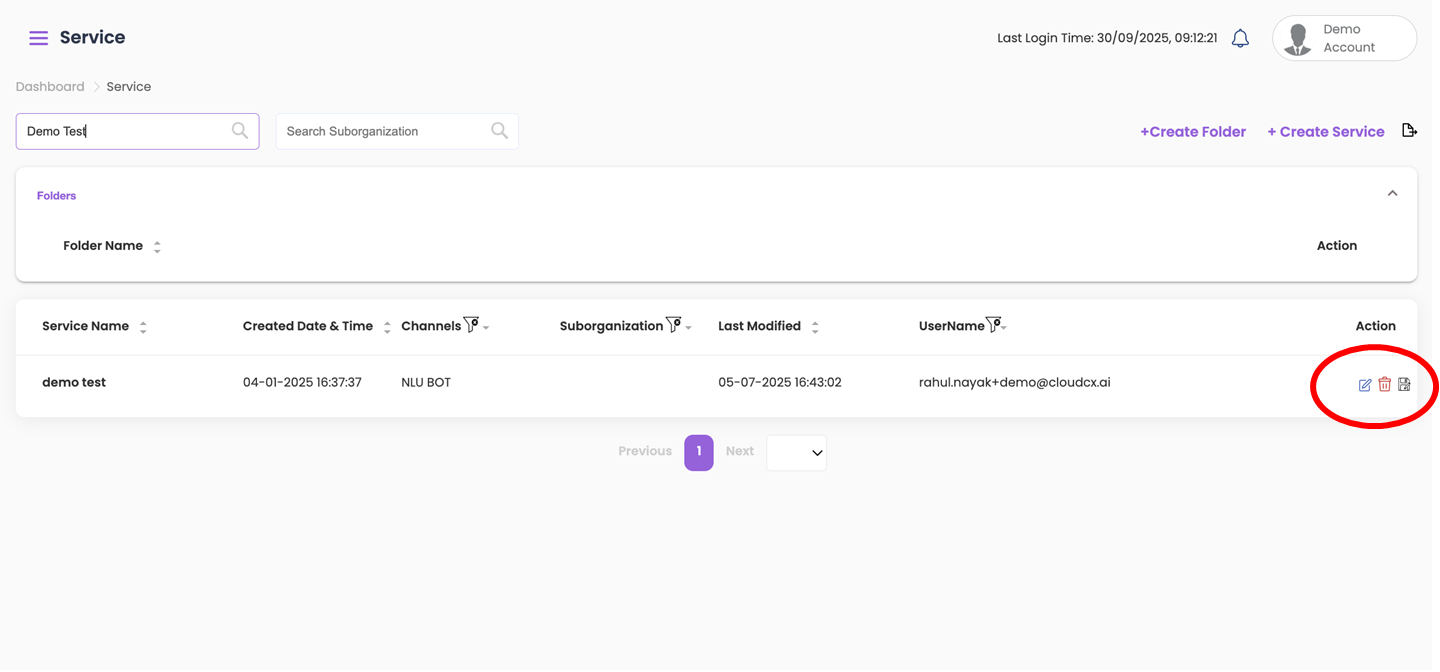
- Under the Action column:
- To edit a service, click on the Edit icon.
- To delete a service, click on the Delete icon.
- To clone/duplicate a service, click on the Save As icon. Then:
- Rename the newly cloned service.
- Select a channel.
- Provide the necessary details.