View ChatBot History #
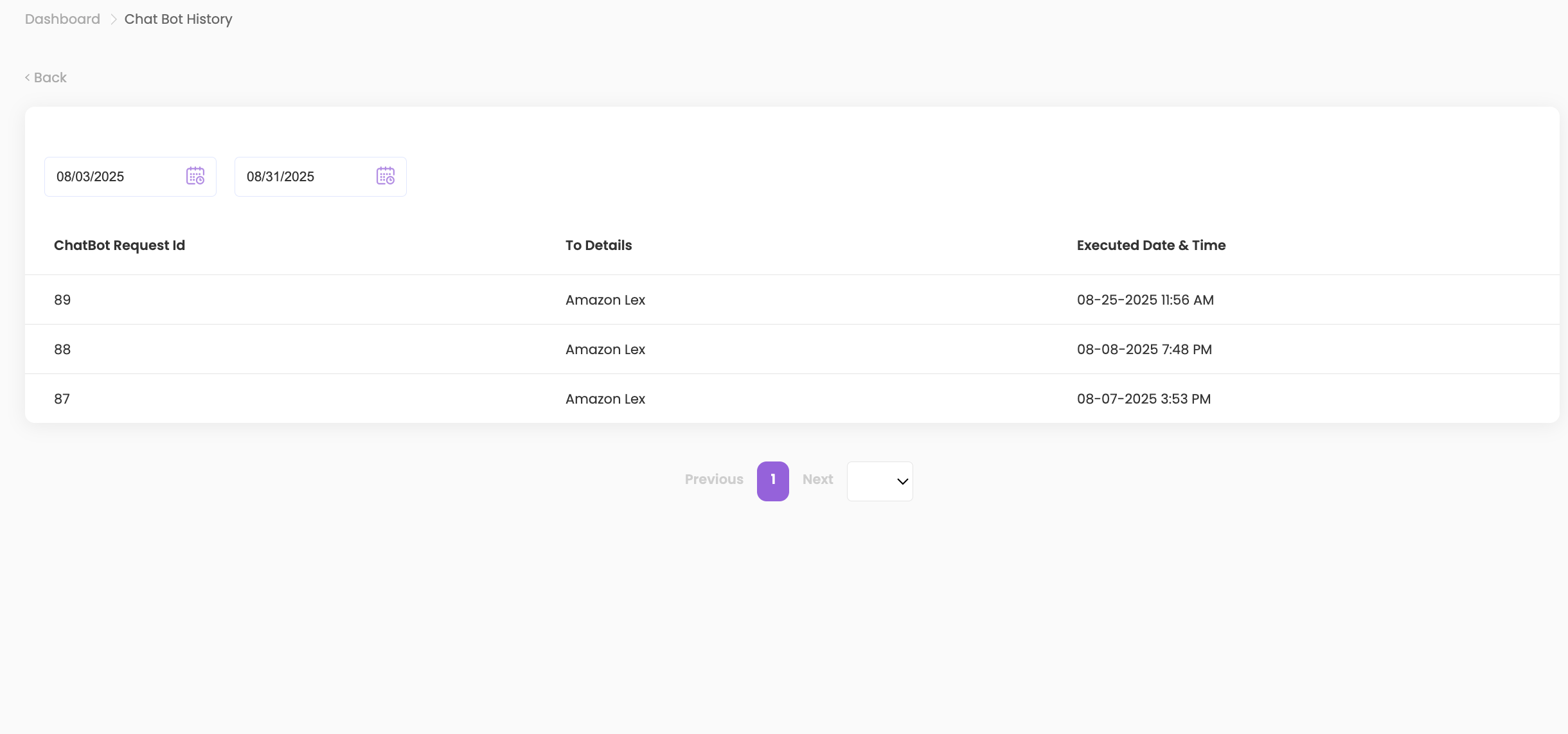
- To review past interactions, click on ChatBot History.

- Select a Start and End Date Range for the interactions you want to see.
- You will see the following details:
- Chatbot Request ID
- To Details
- Executed Date & Time
View Detailed Interaction #
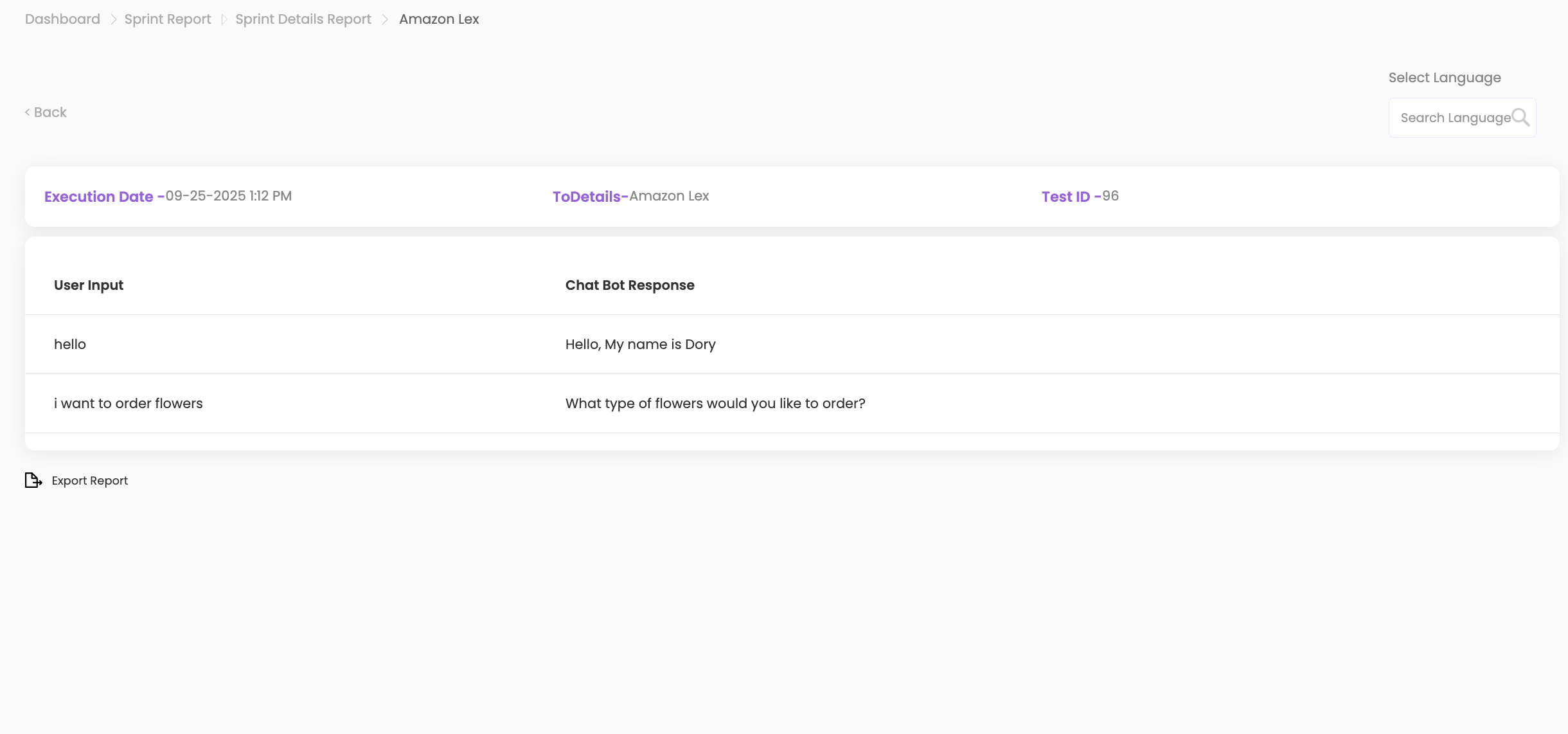
- Click on any individual interaction to view the following details:
- User Input
- Chatbot Response
- Executed Date & Time
- To Details
- Test ID
Additional Options #
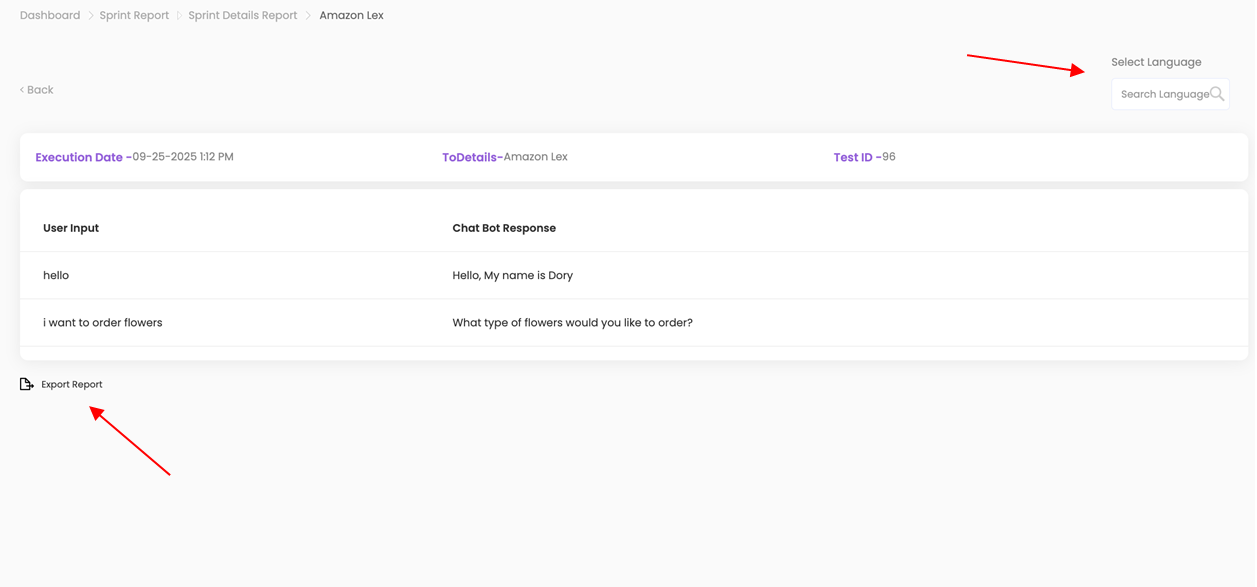
- Export Report: Export interaction for use elsewhere.
- Change Interaction Language: Select a language from the Select Language dropdown to convert the interaction into another language (e.g., English to Spanish).